Trades / CORE Earthwork
Cut and fill from the PDF, the day the bid drops.
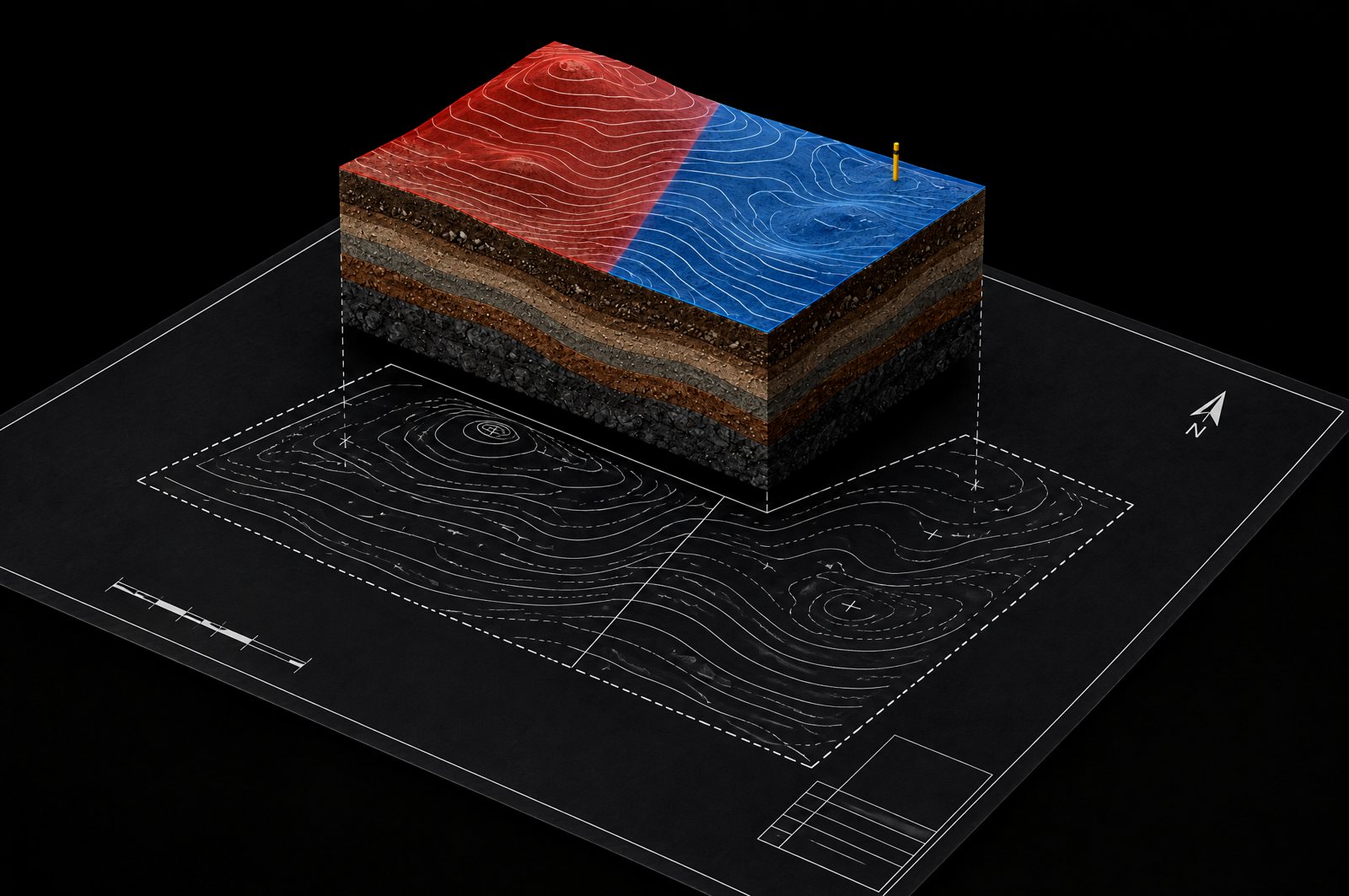
At bid time you often get only PDFs. CORE reads the plan's own contours and spot grades and turns them into cut and fill, so the first dirt number does not wait on a CAD file or a 3D modeler.
In the app
See it done on a sample sheet
What you get
Why estimators use it
No CAD file needed
The reading starts from the PDF sheet you were sent. Existing and proposed surfaces come from the contours and spot grades printed on it.
See the dirt before you price it
Cut shows red and fill shows blue on the plan, and a 3D view lets you look at both surfaces from any side.
Break the job into zones
Give a paving area or a building pad its own depth. Each zone gets its own row and the rows add up to the job.
Building pads too
Outline a structure and type the depths: mass dig, layback, backfill and slab prep, in bid-sheet terms.
What is in it
What is live, and what is next
We mark what is not in the product yet, so you know what you are buying today.
| Feature | What you get | Status |
|---|---|---|
| Cut and fill from the PDF | Volumes from contours and spot grades. Check it against a job you know. | In the product |
| Cut / fill map and 3D view | See where the cut and the fill are. | In the product |
| Zones, topsoil, shrink and swell | Import and export worked out from the same read. | In the product |
| Structure excavation | Mass dig, layback, backfill and slab prep for a building pad. | In the product |
| Several reads at once Coming soon | Your whole team runs cut / fill at the same time. | Not yet |
Every number shows its source, so you can check it in seconds. Nothing is priced until you add it to the takeoff.
Try it on a job you already took off.
30-day money-back guarantee.